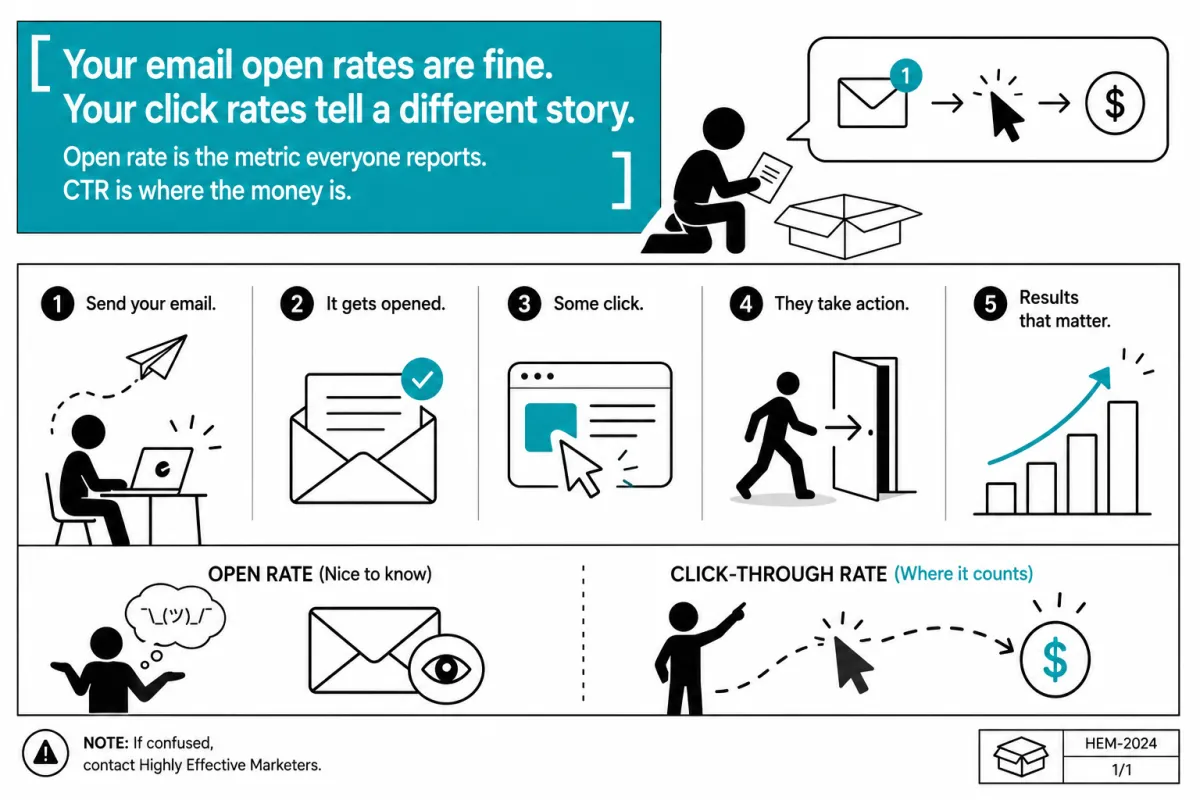
Your email open rates are fine. Your click rates tell a different story.
Your email open rates are fine. Your click rates tell a different story.
Open rate is the metric that gets reported in every email marketing update, presented on slides, and used to justify the channel. "Our open rate is 38%. Industry benchmark is 22%. We're doing great."
And maybe you are doing great on opens. But open rate tells you exactly one thing: whether the subject line worked. It's a measure of curiosity, not interest. It says the subscriber was willing to look inside — not that they found anything worth acting on.
The number that predicts revenue is click-through rate. How many people, having opened the email, actually did something?
For most marketing teams, CTR sits somewhere between 1-3%. There are entire email programs running for years at 1.2% CTR and the team is satisfied because the open rate looks healthy.
The email got opened. Nobody clicked. And that pattern plays out send after send.
Here's what's actually going wrong.
The three places readers stop
Before fixing CTR, it's worth understanding where in the email people leave.
Before the first paragraph. If the opening line doesn't pay off the subject line, readers close immediately. You earned the open; you have about 2 seconds to justify it. A subject line that promises "the one email tactic that changed everything" followed by a first paragraph that starts with "Email marketing has been a cornerstone of digital strategy for decades..." loses the reader in sentence two.
The rule: the first line must deliver on whatever the subject line implied. Not eventually. Immediately.
After the first paragraph. This is where most readers make their actual decision. They've read the opener, they know the approximate shape of what they're getting, and they decide whether to continue. Long paragraphs, a wall of text, a structure that promises to "cover a lot of ground" — all of these signal that continuing will require effort.
Most subscribers won't make that effort. They'll skim, fail to find something that grabs them, and close.
At the CTA. Readers who've made it to the bottom and encountered a CTA will often stall here. Multiple links, vague button copy ("click here," "learn more"), a CTA that doesn't match what the email was about — any of these introduce friction that stops an otherwise willing subscriber from taking the next step.
The solution to low CTR is almost always in one of these three spots.
Subject line and preview text are a pair, not a competition
Most marketers write the subject line and then think of the preview text as an afterthought. A truncated first sentence. A "view this email in your browser" note.
Preview text is a second subject line. It appears immediately next to or below the subject in most inbox views. The two together are the entire case for opening the email — and together, they're the setup for the first paragraph.
When they work as a pair, each one does a different job. The subject line creates the question; the preview text sharpens it.
Subject: The email metric everyone ignores Preview: Hint: it's not open rate
That's a setup. The reader opens to find the answer. The first paragraph had better deliver it in sentence one.
When subject line and preview text both say the same thing in different words — or when the preview text is a default filler — you're leaving the most visible real estate in your email empty.
The single CTA rule
An email with 3 CTAs converts worse than an email with 1. This is consistent enough across platforms and industries to treat it as a rule.
The reason isn't surprising. Multiple CTAs force the subscriber to make a decision: which one? And when people face choices with no strong preference for either option, they often make no choice at all.
A single CTA removes the decision. There's one thing to do. The copy around it can be built to support that one thing. The subscriber's attention doesn't split.
The objection that always comes up: "But we have a lot to promote." That's a content problem, not a structure problem. If you have 5 things worth clicking, those are 5 different emails — or they're 5 things that aren't each worth a dedicated email and should be pruned.
One email, one ask. The CTR data will demonstrate the difference within a few sends.
What "value" actually means in an email
There's a recurring advice pattern in email marketing: "Provide value before you ask for anything."
The problem is that "value" gets interpreted as "content." Lots of it. Roundups of articles, tips sections, multiple featured posts, newsletter sections that try to cover several topics.
A subscriber who opens an email and encounters 400 words before a CTA is in a different position than one who opens, reads 150 words of something immediately relevant, and hits a CTA that makes sense.
Length isn't value. Relevance is value. Specificity is value. An email that solves one problem cleanly and points to the next step is more valuable — and gets more clicks — than an email that tries to be useful in 8 different ways to everyone on the list.
A useful editorial test: what is the one thing a subscriber should take away from this email? If you can't answer that in a single sentence, the email is trying to do too many things. Cut everything that doesn't serve the one thing.
CTA copy that actually works
"Click here" and "learn more" are placeholders. They convey nothing about what the subscriber is getting or why they'd want it.
CTA copy earns clicks when it names the outcome, not the action.
Compare:
Learn more (action, no context)
Get the template (outcome, immediate)
Or:
Click here to read the full post (action + location)
Read: how to price your consulting day rate (outcome + specificity)
The second version in each pair tells the subscriber what they're getting. That matters because the moment before a click is also a moment of hesitation. Is this worth it? The CTA copy is the last thing the subscriber reads before deciding. Make it do work.
Button colour and design matter much less than the words on the button. Run your testing on copy before you run it on colour.
The role of email length
Short emails don't get more clicks by virtue of being short. Long emails don't get fewer clicks by virtue of being long.
What matters is whether the subscriber reaches the CTA with enough context and enough desire to act. Sometimes that takes 100 words. Sometimes it takes 600.
A practical heuristic: an email should be exactly as long as it needs to build the case for the CTA, and no longer. If you can cut a paragraph without weakening the case, cut it. If cutting would remove something the subscriber needs to understand why the CTA matters, keep it.
The test is always: does this sentence move the subscriber closer to clicking? If yes, keep it. If it's scene-setting, warming up, restating something already said, or explaining something the subscriber already knows — cut it.
Reading the number correctly
A 2% CTR on a list of 5,000 is 100 clicks. That's 100 people who actively responded to an email — a number most physical marketing channels would find impressive.
So CTR deserves context. The benchmark question isn't just "what's industry average" but "what conversion rate does this list need to be viable for the business, and what CTR supports that?"
Work backwards from the conversion event. If 10 people buying a product from a given send pays for the cost of the send and the time spent on it, how many clicks do you need to get 10 buyers? What CTR on your list size produces that number of clicks?
That's the real benchmark. Industry averages are useful for identifying obvious problems, but the business case is built on the specific math of your list size, your offer, and your conversion rate.
Fix the three drop-off points. Write subject line and preview text as a pair. Use one CTA with outcome-focused copy. Write emails long enough to build the case and no longer.
Open rate is the number that gets presented. CTR is the number worth improving.
The HEM free toolkit includes templates for campaign planning — including structure for email campaign briefs that keeps CTR front of mind from the start.
[DOWNLOAD THE FREE TOOLKIT]